

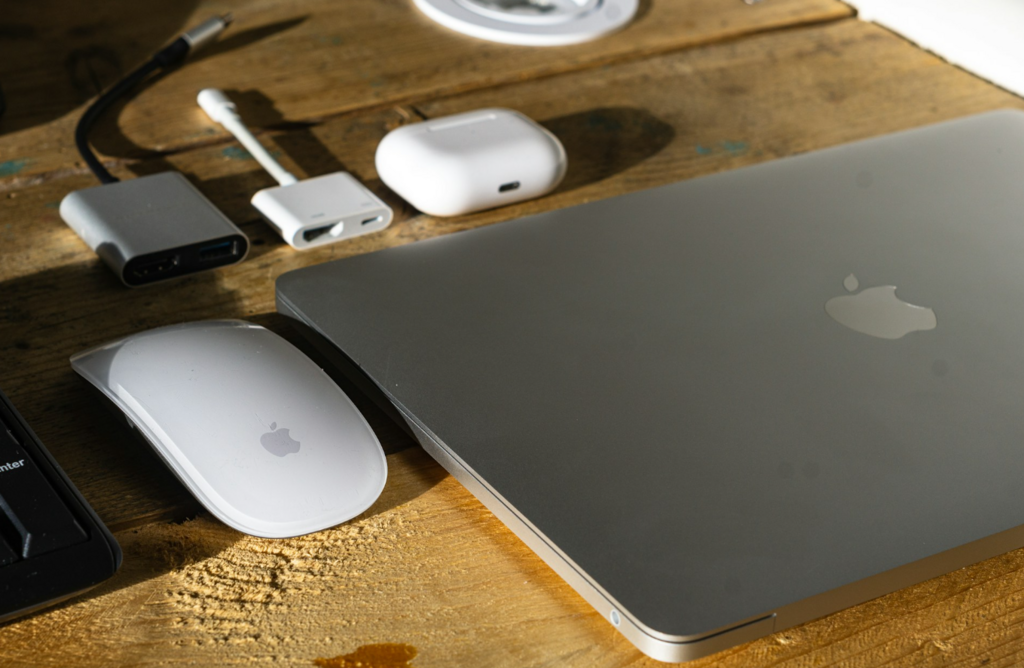
Flexible working has changed the way people think about laptops. A MacBook is no longer simply a portable computer that occasionally leaves the desk. For many professionals, it is the entire workplace in motion. It travels from home to the office, from a meeting room to a shared desk, from a coworking space to the kitchen table, and sometimes back again within the same week.
That flexibility is one of the reasons MacBooks remain so popular among UK workers. A MacBook Air offers portability and battery life in a slim package, while a MacBook Pro gives more demanding users extra performance for heavier workflows. But once flexible working becomes the norm, a new problem appears: the laptop moves easily, but the workspace does not always move with it.
This is where the thunderbolt 4 dock has become increasingly relevant. It is not just an accessory for people with elaborate home offices. It is a practical tool for anyone trying to make hot-desking, hybrid working and shared office environments feel more consistent. In a world where the desk changes but the work does not, a good dock can turn a MacBook into a stable workstation in seconds.
The hidden problem with hot-desking
Hot-desking sounds efficient in theory. Instead of assigning every employee a permanent desk, offices can provide flexible workstations that people use as needed. It suits hybrid work, reduces unused space and supports teams that do not come into the office every day.
In practice, however, hot-desking often creates small technical frustrations. One desk has a monitor but no suitable cable. Another has a keyboard and mouse but no Ethernet. A meeting room setup works for one laptop but not another. Someone borrows the adapter that used to live on the desk. A user arrives in the morning and spends five minutes rebuilding a basic workstation before the first call.
These problems are rarely dramatic, but they add friction. And friction is the enemy of flexible work. If a person has to think about ports, power, displays and adapters every time they sit down, the workspace stops feeling flexible and starts feeling temporary.
A thunderbolt 4 dock helps solve this by making the desk itself more predictable. Instead of relying on a loose collection of cables and adapters, the workstation can be built around a central connection point. The MacBook arrives, connects, and the desk becomes usable almost immediately.
Why MacBook users feel this more than most
MacBooks are excellent mobile machines, but their clean design also means users often rely on external connectivity at the desk. A portable laptop may be enough in a café or on a train, but a full working day usually benefits from a larger display, proper keyboard, mouse, charging, external storage and stable network access.
That is why choosing the right macbook air dock or macbook pro dock matters. The dock bridges the gap between the MacBook’s mobile identity and the expectations of a professional desk.
For MacBook Air users, the priority is usually simplicity. They want to preserve the light, portable nature of the laptop while gaining a more comfortable desk setup when needed. A macbook air dock should make the Air feel more capable without making the whole setup feel overbuilt.
For MacBook Pro users, the requirement can be more demanding. A macbook pro dock may need to support larger displays, faster storage, creative tools, audio equipment or more accessories. But the core idea is the same: the dock gives the MacBook a stable base wherever work happens.
One cable can change the working rhythm
The appeal of a dock is often described in technical terms: port selection, data transfer, display support, charging capability. Those things matter. But the real benefit is behavioural. A dock reduces the number of decisions a user has to make before work begins.
Without a dock, setting up at a shared desk can involve several small steps: plug in power, connect the display, attach a keyboard, find a mouse receiver, connect storage, check whether Ethernet is available, adjust the monitor, then troubleshoot anything that does not appear immediately.
With a thunderbolt 4 dock, many of those steps can be consolidated. The dock remains connected to the desk equipment. The MacBook only needs one main connection to access the wider setup. This makes the start of the day feel smoother, especially in offices where people do not sit in the same place every time.
That small shift can improve the entire rhythm of flexible work. The user spends less time assembling a workstation and more time actually working.
Consistency matters more than people realise
One of the underrated challenges of hybrid work is inconsistency. Home desks, office desks, meeting rooms and coworking spaces all behave slightly differently. The monitor arrangement changes. The available ports change. The internet connection changes. Even the height and position of accessories can vary.
Some of that variation is unavoidable. But a dock can at least make the technical foundation more consistent. If every workstation uses a similar docking approach, MacBook users know what to expect. They can arrive, connect and work without wondering which cable or adapter is needed.
For companies, this can also reduce support issues. Instead of troubleshooting many different cable combinations, IT teams can standardise around a clearer desk setup. For individuals, it means less uncertainty. A good dock turns the shared desk into a more reliable environment.
The Thunderbolt 4 advantage for flexible desks
A thunderbolt 4 dock is particularly well suited to this role because it balances capability and maturity. It is powerful enough for modern desk workflows, but established enough to feel dependable. For most MacBook users, it can support the essentials that define a serious workspace: display output, power, fast data, Ethernet and peripheral connections.
This balance matters in shared environments. A hot-desk setup should not be fragile or overly specialised. It needs to work well for different users, different MacBooks and different daily tasks. Thunderbolt 4 provides enough headroom for many professional workflows without making the desk unnecessarily complex.
That is why it remains such a practical choice for offices, coworking spaces and home setups that need to serve multiple purposes. It gives users a premium connection experience without turning the desk into a technical project.
Better desks also support better ergonomics
Docking is not only about connectivity. It also supports healthier and more comfortable working habits.
A MacBook on its own encourages a laptop posture: looking down at the screen, using a compact keyboard, working from whatever surface is available. That can be fine for short periods, but it is not ideal for long working days. A dock makes it easier to use an external monitor at eye level, a separate keyboard and a mouse or trackpad positioned more naturally.
For hot-desking environments, this is important. If employees are expected to work from shared desks, those desks need to support proper working conditions. A macbook air dock or macbook pro dock can make that easier by ensuring the external setup is ready for the laptop as soon as the user arrives.
The result is not just a cleaner desk. It is a more usable one.
Why this matters for small businesses and growing teams
Large companies often have dedicated IT teams to standardise office equipment. Smaller businesses may not. In many small teams, flexible work setups evolve informally. People bring their own laptops, use whatever monitor is available, borrow adapters and gradually create a patchwork of desk equipment.
That approach works until it does not. As the team grows, inconsistency becomes more visible. Meetings start late because of connection issues. Shared desks become cluttered. Employees waste time solving the same small setup problems.
Investing in proper docking infrastructure can be a simple way to professionalise the workplace. It does not require a complete office redesign. A few well-planned docking stations can make shared desks feel more intentional and easier to use.
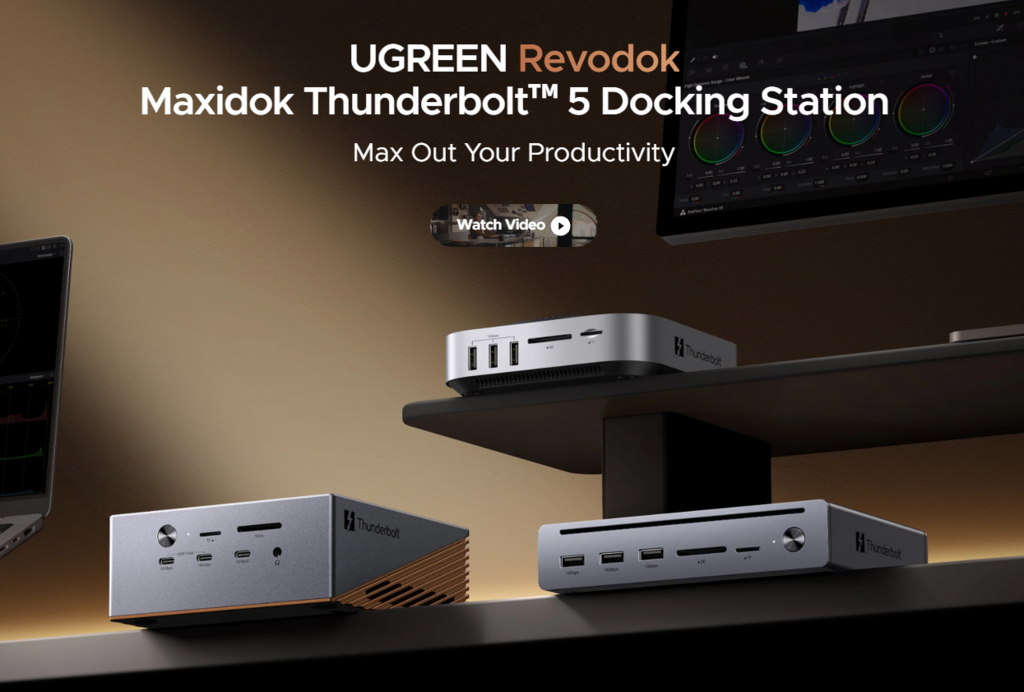
This is where brands such as UGREEN fit naturally into the conversation. For MacBook users and teams looking to make flexible desks more reliable, the value is not just more ports. It is a cleaner, more repeatable way to turn a laptop into a full workstation.
What to look for in a hot-desking dock
A dock for flexible work should be judged slightly differently from a dock for a single permanent desk. It needs to be easy to understand, reliable and broad enough to cover common needs.
Port selection matters, but clarity matters too. Users should not have to study the dock every time they connect. Display support should match the monitors in use. Power delivery should reduce the need for separate chargers. Ethernet can be valuable in offices where video calls and cloud work demand stable connections. USB ports should support everyday accessories without forcing extra hubs into the setup.
Physical design also matters. A dock that sits neatly on a shared desk and routes cables cleanly will be easier to maintain than one that creates more mess. The best hot-desking equipment is the kind that people barely need to think about.
The MacBook as a personal device, the dock as shared infrastructure
One useful way to think about hybrid work is this: the MacBook is personal, but the dock can be shared infrastructure.
The laptop contains the user’s files, apps, settings and workflow. The dock provides the stable desk environment. This separation is powerful. It lets individuals keep the flexibility of their own machine while giving the office a more consistent technical foundation.
For MacBook Air users, that means arriving with a lightweight laptop and gaining a complete workstation instantly. For MacBook Pro users, it means bringing a powerful machine into a desk environment that can support more serious work. In both cases, the dock makes flexible work feel less improvised.
Conclusion
Hot-desking is not going away. Hybrid work has made flexible spaces a normal part of professional life, and MacBooks are well suited to that mobility. But flexibility only works well when the desk experience keeps up.
A thunderbolt 4 dock is one of the simplest ways to make that happen. It gives shared desks a stable technical foundation, reduces cable confusion, supports better ergonomics and helps MacBook users move between locations without rebuilding their workspace every time.
For a MacBook Air, the right macbook air dock preserves portability while adding desk comfort. For a MacBook Pro, the right macbook pro dock creates a more dependable base for heavier workflows. In both cases, the dock makes flexible work feel more professional, more consistent and less chaotic.
The future of work may be mobile, but the best mobile setups still need a place to land. A good Thunderbolt 4 dock gives the MacBook exactly that.
