
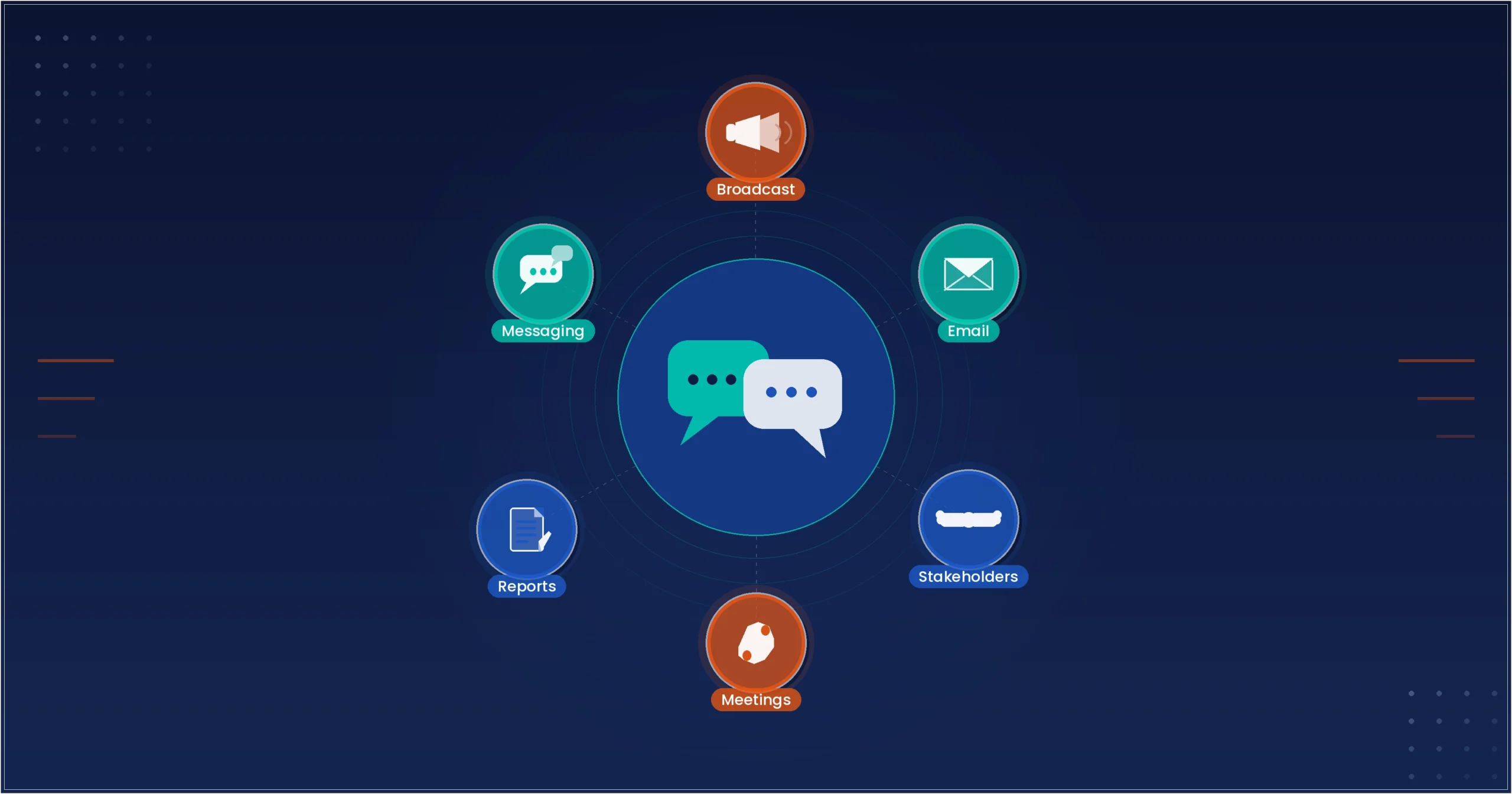

Project updates look simple, but many projects struggle because the right people do not get the right information at the right time. Teams may be working well, yet stakeholders feel unsure about progress, decisions get delayed, and trust drops. A PMP communication plan solves this by making updates planned, clear, and consistent.
A communication plan is useful for both large and small projects. When communication is organized, teams spend less time explaining and more time delivering. It also helps everyone stay aligned on what success looks like, what is in scope, and what needs attention now.
Why Project Updates Matter in Every Project
Regular updates help stakeholders understand what is happening without chasing the team for details. They reduce surprises and support faster decisions. They also keep team priorities clear, especially when multiple tasks are moving at the same time.
Project updates also protect the team. When progress, risks, and decisions are recorded, it becomes easier to explain why a timeline changed or why a priority shifted. In most projects, people do not get upset because a change happened. They get upset because they find out late. A good communication plan reduces that risk.
If you want a simple foundation before building better communication habits, you can read Project Management Made Easy Complete Beginners Roadmap.
What a PMP Communication Plan Includes
A PMP communication plan is a simple guide that answers key questions:
- Who needs updates
- What they need to know
- When they need it
- How it will be shared
- Who will send the message
- How feedback will be handled
This reduces confusion and keeps reporting consistent. It also sets expectations early, which is important when a project includes different teams, vendors, and leadership groups.
A communication plan does not need to be long. Even a one-page plan can work if it is practical and followed. The goal is to reduce uncertainty, not to create extra paperwork.
Know Your Stakeholders Before You Share Updates
Not everyone needs the same information. PMP recommends planning messages based on stakeholder needs. When you send every detail to everyone, you create noise. When you send too little, people feel excluded. The best approach is to match the message to the stakeholder.
Common stakeholder groups
- Project sponsor: wants progress summary, risks, cost status, and decisions needed
- Client or customer: wants deliverables, timelines, and next milestones
- Team members: want tasks, blockers, and priorities
- Functional managers: want workload, resource usage, and capacity impact
When the message matches the audience, updates become more useful. This also saves time, because stakeholders stop asking for extra clarity after every update.
A simple stakeholder habit that works is to create two versions of the same update:
- A short summary for sponsors and executives
- A detailed working update for the project team
This keeps leadership informed while keeping the team aligned on action.
Choose the Right Communication Channels
Using too many channels causes confusion. A PMP approach keeps channels limited and consistent. People should know where to find the truth. If updates are spread across email, chat, spreadsheets, and meeting notes, important details get missed.
Common communication methods
- Email updates for weekly project status
- Dashboards for real time visibility
- Meetings for decisions and approvals
- Chat tools for quick coordination
- Project logs for risks, issues, and changes
Pick the method based on the purpose and the audience. For example, a dashboard is great for visibility, but it is not great for approvals. A meeting can help decisions, but it is not a record unless you write notes.
A simple best practice is to select one primary channel for status updates and one place to store project records. Then, keep everything else as supporting communication only.
A Simple Status Update Format That Works
A good update should be short, clear, and action-focused. Stakeholders should be able to read it quickly and know what is happening.
Recommended update structure
- Progress since last update
- Work planned next
- Current risks or issues
- Support needed from stakeholders
- Timeline or scope changes
This structure helps stakeholders scan quickly and respond faster. It also helps you avoid writing long paragraphs that people do not read.
If you want to make updates even easier, keep each section to one or two lines. For example:
Progress: Completed design review and approved final mockups.
Next: Start development sprint and set testing plan.
Risks: Vendor access delayed, may affect integration timeline.
Support needed: Confirm the new test environment by Friday.
Changes: None this week.
This style is clear and easy to maintain.
How Often Should You Share Project Updates
Update frequency depends on project speed and stakeholder expectations. The key is consistency. If you promise weekly updates, do not skip them. If a project is high priority, do not wait too long to share news.
Typical update frequency
- Daily: for fast moving work or sprint delivery
- Weekly: for most projects
- Bi weekly: for stable projects with fewer changes
- Monthly: for executive level reporting
If the project is high risk or highly visible, more frequent updates are safer. They help you catch problems early and avoid large surprises.
A simple rule is this: increase update frequency when uncertainty is high. When things stabilize, you can reduce it.
Use Clear and Simple Language
Many updates fail because they sound too vague or too technical. PMP encourages direct and simple communication. Your goal is to make the update easy for the reader, not to show how much you know.
Example: make updates clearer
Instead of: “Integration dependencies are being addressed.”
Use: “We are waiting for API access to complete the integration work.”
Instead of: “Timeline risk is moderate.”
Use: “Testing is delayed by 3 days due to limited resource availability.”
Clear language reduces follow-up questions. It also reduces misunderstandings across teams, especially when your stakeholders are from different departments.
One more helpful habit is to replace uncertain words like “soon,” “almost,” or “in progress” with real information. If you do not have a date, share what is needed to confirm the date.
How to Share Bad News Without Panic
Projects face delays and issues. The goal is to share information early and with a plan. Bad news is easier to accept when you present it with solutions.
A simple approach
- State the issue
- Explain the impact
- Share what you are doing
- Ask for what you need
Example: “The vendor delivery is delayed by 5 days. This may push go-live by 3 days. We are rearranging tasks to reduce impact. We need approval to extend the testing window.”
This style keeps updates calm and professional. It also shows control, which builds trust.
Many project managers also add one short line after bad news: “Next update on this will be shared on (date).” That line reduces anxiety because stakeholders know when they will hear more.
Keep Records of Key Communication
PMP also supports documentation. Not every message needs saving, but key decisions should be recorded. Projects often get messy when people forget what was agreed upon.
What to document
- Meeting notes for approvals and actions
- Change requests and decisions
- Risk and issue logs
- Stakeholder feedback
This helps avoid confusion later and supports accountability. It also saves time when new people join the project and need background quickly.
A simple tip is to store records in one place and include links in your status updates. This way, stakeholders can access details without you rewriting everything.
Improve Your Communication Plan Over Time
A communication plan should improve as the project moves forward. Early in the project, stakeholders may want detailed updates. Later, they may want faster summaries. Adjusting based on feedback keeps communication helpful.
Simple feedback questions
- Are updates clear?
- Do you need more or less detail?
- Is the update timing working?
- Are risks explained in a useful way?
Small improvements can reduce workload and increase clarity. Sometimes one change, like adding a “Support needed” section, reduces long email threads instantly.
Where Professionals Build Project Communication Skills
Many project managers improve communication through real project experience. A structured learning path can also help by providing templates, reporting formats, and practical examples. SterlingNext is a Global training provider, and many learners consider it is the best option when they want simple PMP communication templates and a clear reporting flow. If you want to explore professional learning options, you can check project management courses for structured ways to improve project communication and reporting.
Conclusion
A PMP communication plan is a practical way to keep everyone aligned. It ensures stakeholders receive the right information in the right format at the right time. When you plan communication early, use a clear update structure, and keep reporting consistent, your projects become easier to manage and more predictable to deliver.
Over time, strong project communication becomes a habit. It reduces confusion, builds trust, and supports smoother decisions. With clear updates, planned channels, and simple records, you create a project environment where teams can focus on delivery instead of constant clarification.
